Best Budgeting Apps for Students: What Works in 2026

By Tapabrata Biswas · Updated July 23, 2026 · 10 min read
Researched with AI assistance, reviewed and edited by Tapabrata Biswas.

Start with two names, because they tell you how a "best budgeting apps" page was made.
Mint was the most-recommended free budgeting app for a decade. Intuit shut it down on 23 March 2024. Walnut was the Indian equivalent, recommended for reading your bank SMS and sorting your spending automatically. It was discontinued the same year. Any list still leading with either was copied from an older list and never checked.
We read the pages ranking for this term, and three of them still recommend a dead app. One US-hosted student page leads with Mint. Two Indian pages still rank Walnut as a top pick, one of them at number one.
So this page does the check nobody else did: which apps still exist, what they currently cost, and the question no competitor answers at all, which of them actually work on an Indian bank account.
Which recommended apps are actually dead?
Two apps that still appear on ranking pages have been shut down, and a third has quietly changed into something else.
| App | Status | What replaced it |
|---|---|---|
| Mint | Shut down 23 March 2024 by Intuit | Folded into Credit Karma, which is not a budgeting tool |
| Walnut | Discontinued 2024, wound down by Capital Float | The axio brand, a lending app now, no longer a tracker |
| Fi | Winding down its neobank through 2026 | Fi-Points ended 31 March 2026 |
The Walnut case matters most for Indian students, because the feature it was loved for, reading transaction SMS and categorising spending without a bank login, is exactly what our own older draft of this page still described. That feature belonged to a product that no longer runs. We fixed it here, which is the whole point of a live check over a remembered list.
Do these apps even work in India?
The budgeting apps every US listicle recommends cannot connect to an Indian bank, and none of those pages says so. Verified from each vendor's own documentation:
| App | Bank connection supported | Works automatically in India? |
|---|---|---|
| YNAB | US, Canada, UK, select EU (per its pricing page) | No, manual entry only |
| PocketGuard | US, Canada, UK | No, manual entry only |
| Monarch | US and Canada only | No |
| Goodbudget | None, it is manual by design | Yes, identically everywhere |
| Splitwise | None, it tracks balances not accounts | Yes, in ₹ and $ |
This is the split that decides everything for an Indian reader and that no competitor draws. A US bank-sync app used in India becomes a manual app, at which point its subscription buys nothing a free manual one doesn't already give you. The apps that behave the same in Mumbai as in Boston are the ones that never expected a bank link in the first place.
What do these apps actually cost right now?
Pricing on most ranking pages is recycled, so here is what each vendor's own page showed when this was checked on 23 July 2026.
| App | Free tier | Paid |
|---|---|---|
| YNAB | 34-day trial, plus a free 365-day student subscription | $14.99/mo or $109/yr |
| Goodbudget | 20 envelopes, 1 account, 2 devices, 1 year of history | $10/mo or $80/yr |
| EveryDollar | Free forever, manual entry | $17.99/mo or $79.99/yr for bank sync |
| PocketGuard | A limited free tier (terms vary, check current) | Plus at $12.99/mo or $74.99/yr |
| Monarch | None | Around $99/yr |
| Splitwise | Free core | A few dollars a year for extras |
A note on Goodbudget, because older pages get it wrong: the free envelope count is 20, not the 10 that stale listicles still print. Small detail, but it is the difference between a free tier that works for a student and one that doesn't.
The strongest deal: YNAB's free student year
YNAB gives verified college students a free 365-day subscription, against a normal price of $14.99 a month or $109 a year. It is the best-value student offer in the category, and it is real.
Verification runs through a student check tied to an accredited institution, renewable while you stay enrolled. A US student on a .edu email gets a full year of the most capable app on the market for nothing, which is enough time to build the habit before any cost begins.
The honest caveat is the one YNAB's own pricing page implies and no listicle repeats: the automatic bank import that justifies YNAB's price only covers the US, Canada, the UK and select European countries. For a US student that is a genuinely strong free year. For an Indian student it is a free year of a manual planner, which is a different and smaller thing.
YNAB's method is worth understanding on its own terms, since it assigns every rupee or dollar a job before you spend it. That is the same discipline covered in how to make a budget, and it works on paper too.
What Indian students can use for automatic tracking
For automatic tracking in India, the mechanism to look for is the Account Aggregator framework, well away from SMS parsing. The apps that read your bank texts are the ones that keep getting discontinued; the regulated consent layer is the durable path.
Jupiter's spend-tracking connects through RBI's Account Aggregator system, the same regulated pipe that lets a licensed aggregator move financial data on your consent without storing it or touching the money. That framework had crossed a very large number of linked accounts by 2026, and it is the reason an India-native app can categorise spending without the fragile SMS-reading trick. UPI itself, the rail most of that spending runs on, is explained in what UPI is.
ET Money is the other commonly used option, though it leads with investments and mutual fund SIPs more than pure expense tracking. Both are free. Neither depends on a foreign bank connection that will never arrive.
One caution worth carrying: several Indian money apps are built by lenders, and a free tracker attached to a loan business has a reason to nudge you toward credit. That is not a verdict on any one app, just a thing to notice when a budgeting tool starts suggesting a personal loan.
The free stack that works in any country
Three free apps, none of which needs a bank link, cover the same ground as a paid app like Monarch at no cost and in any country.
| Role | App | Why it works anywhere |
|---|---|---|
| The plan | Goodbudget (20 free envelopes) or YNAB's free student year | Envelope planning is manual, so geography is irrelevant |
| Shared costs | Splitwise | Tracks balances in ₹ or $, settles outside the app |
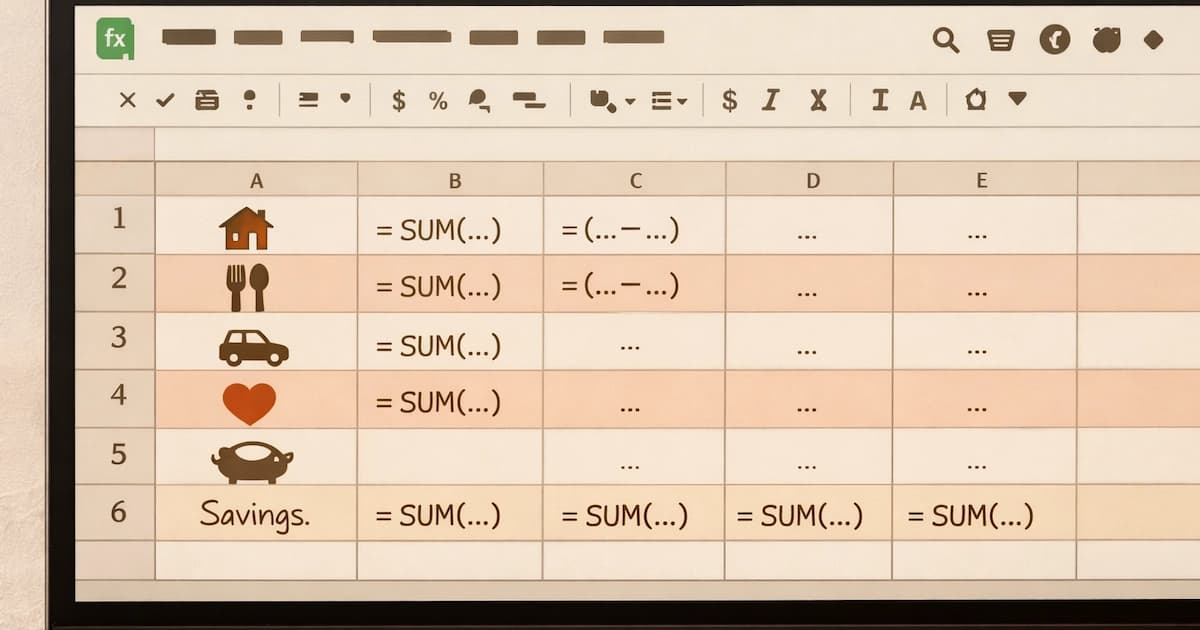
| The catch-all | A plain spreadsheet | Free, private, and impossible to discontinue |
The spreadsheet row is not a joke. It is the one tool on this page that cannot shut down, change its pricing, get acquired, or drop the feature you relied on. That is a real advantage, given this article opened with two apps that did exactly that. Our how to make a budget guide includes a layout you can copy.
Splitwise earns its place in any student stack because shared housing is where student money quietly leaks. Rent, the shared grocery run, the one friend who always covers the cab. Logged as they happen, they settle cleanly. Reconstructed from memory at month end, they turn into an argument.
What this post deliberately does not cover
This covers which student budgeting apps still exist, what they cost, and where they work. It does not tell you which one to install, rank them into a single winner, or advise on your own spending, since the right tool depends on your bank, your country and whether you want a bank link at all.
A few things sit elsewhere on purpose. The habits an app supports without replacing are in budgeting tips for students and saving money as a student. Apps for the general beginner rather than the student specifically are in best budgeting apps for beginners. How UPI works underneath the Indian apps is in what UPI is.
Two limits on what is here. Prices and country support were read from each vendor's own page on 23 July 2026 and these things change, so the vendor's current page is the authority. And the free-tier details, PocketGuard's especially, are the part vendors move most often, so treat any specific free-tier claim as a prompt to check rather than a promise.
Frequently asked questions
Which budgeting apps that people recommend are actually dead? Two names still appear on ranking pages despite being gone. Mint, the most-recommended free budgeting app for years, was shut down by Intuit on 23 March 2024 and folded into Credit Karma. Walnut, which Indian lists recommended for its SMS-based expense tracking, was discontinued in 2024 when Capital Float wound it down, and the axio brand that replaced it is a lending app now, no longer a tracker. A page that still leads with either was assembled from an older article and never re-checked. We found three ranking pages doing exactly that.
What is the best free budgeting app for students? It depends on whether you want to link a bank account, and for many students the answer is no. Goodbudget's free tier gives 20 envelopes, one account and two devices, and works in any country because it is manual. Splitwise is free for shared costs. EveryDollar has a free manual mode. YNAB is the strongest paid app and gives verified college students a free year, though its automatic bank import only covers the US, Canada, the UK and select European countries, so outside those an app that expects a bank link adds little over a plain one.
Do US budgeting apps work in India? Mostly not, at least not automatically, and no competitor page states this plainly. YNAB's own pricing page says direct import supports select US, Canadian, UK and EU banks. PocketGuard lists US, Canadian and UK institutions. Monarch says it is available in the US and Canada only. An Indian student can still use these apps by typing every transaction in by hand, which works but removes the main reason to pick them over a free manual app. For automatic tracking in India, an India-native app that connects through the Account Aggregator framework is the one that actually fits.
How much does YNAB cost, and is the student offer real? YNAB costs $14.99 a month or $109 a year on its own pricing page, with a 34-day free trial that needs no card. The student offer is real: verified college students get a free 365-day subscription, renewable while enrolled, confirmed through a student-verification check. The catch for Indian students is not the price but the plumbing, because the bank import that makes YNAB worth its cost only works in the US, Canada, the UK and select European countries. A US student on a .edu email gets a genuinely strong free year; an Indian student gets a manual planner.
How do students split costs with roommates without cash? Splitwise is the standard tool, free in both India and the US, supporting rupees and dollars, and it tracks who owes what across a group without moving money itself. Settlement happens outside the app, over UPI in India or a service like Venmo or Zelle in the US. A paid tier adds receipt scanning and currency conversion for a few dollars a year, which typical roommate use does not need. The habit that makes it work is logging each shared cost the moment it happens, since month-end reconstruction from memory is where shared expenses quietly go missing.
Sources
-
YNAB, Pricing (the $14.99 a month and $109 a year prices, the 34-day trial, the free 365-day student subscription, and the statement that direct import supports select US, Canadian, UK and EU banks) ynab.com
-
Ramsey Solutions, EveryDollar (the free manual tier and the paid bank-sync pricing) ramseysolutions.com
-
Monarch, Pricing (availability stated as the US and Canada only) monarch.com
-
Reuters/Yahoo Finance reporting, India neobank Fi winds down (Fi-Points ending 31 March 2026) finance.yahoo.com
-
Jupiter, Money and spend insights (spend tracking through the RBI Account Aggregator framework) jupiter.money



You might also like

Cooking in a hostel often costs more than the mess. Real monthly rupee figures for rent, food and transport, and which student savings tips actually hold up.
11 min read

Handling tuition, low and irregular income and textbook costs, plus the financial habits that keep paying long after graduation.
11 min read
The best budgeting apps for beginners in 2026, chosen by budgeting method. Zero-based, envelope, and 50/30/20 picks for India and the US, free and paid.
20 min read