Expense Sheet Template: Free Excel Download (India + US)

By Tapabrata Biswas · Published September 24, 2026 · 13 min read
Researched with AI assistance, reviewed and edited by Tapabrata Biswas.
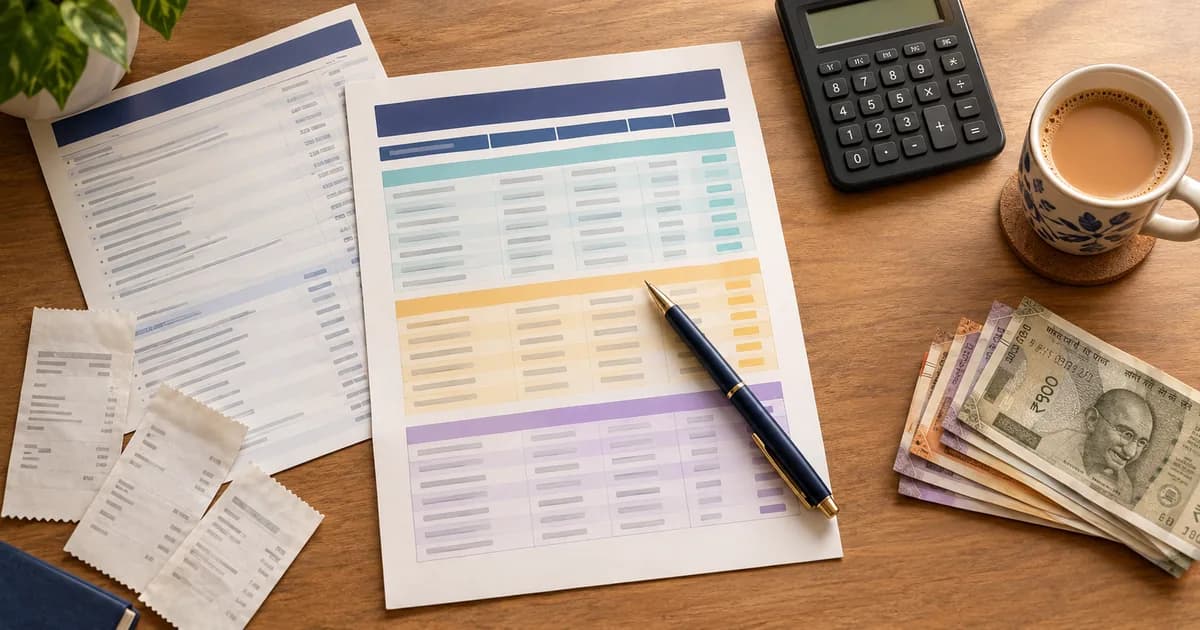
An expense sheet records money that has already left your account, one row at a time. That is the opposite job from a budget, which assigns money forward before you spend it, and mixing the two up is why a lot of people give up on both. The template below does the recording half, in rupees, and the Summary sheet does the arithmetic so you never have to.
One thing worth knowing before you download anything else from a search for this: most files published under the name "expense sheet template" are not personal at all. In a live check of the pages ranking for that term on 24 September 2026, eight of fifteen were employee reimbursement forms or self-employed tax logs, complete with a "Business Purpose" column and a space for a manager's signature. Useful documents, for a different job.
What is an expense sheet, and how is it different from a budget?
An expense sheet is a record of money that has already been spent, kept one row per transaction, with at least a date, a description, a category and an amount. It answers what happened. A budget answers what is supposed to happen.
The two are easy to tell apart once you look at which direction each one points:
- A budget is written at the start of the month. Its central number is intended spending, split across categories.
- An expense sheet is filled in as the month goes along. Its central number is actual spending, one transaction at a time.
- They meet in one comparison, budgeted against actual, which is the whole of the Summary sheet in this file.
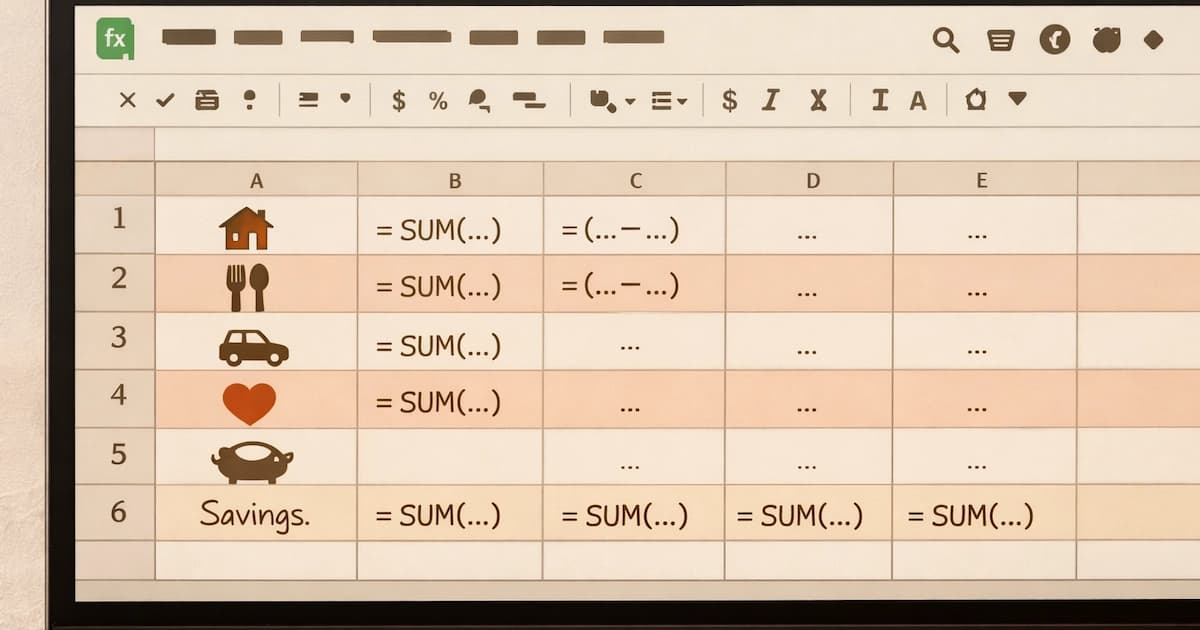
If the planning half is the part you are missing, our monthly budget template sets out the categories and what to assign each one. If you would rather build the whole thing yourself in a browser, the Google Sheets budget guide walks the build from a blank sheet.
What is inside this template?
Four sheets, and the only one you type into is the first.
| Sheet | What it does |
|---|---|
| Expenses | The log. Twelve columns, formatted as a real Excel table so it grows as you type |
| Summary | Budget against actual per category, plus totals by payment method and by person |
| Lists | The dropdown lists. Edit these and every dropdown updates itself |
| Read me | How it works, how to switch currency, and what it deliberately does not do |
The twelve columns on the log are Date, Month, Description, Category, Type, Amount, Payment method, Account, Paid by, Recurring, Reconciled and Notes. Three of those are doing work that free templates almost never do:
- Type sorts every row into Fixed, Variable or Discretionary. Microsoft uses exactly this three-way split in its own household budget guidance, putting rent and insurance in the first, groceries and utilities in the second, and dining out and subscriptions in the third.
- Recurring marks the rows that arrive every month whatever you do. The Summary adds those into a single figure for committed monthly outflow, which is a more honest picture of your floor than a total.
- Reconciled marks rows you have already matched against a bank statement, so re-importing an overlapping date range cannot quietly double-count the same transaction.
Rows tint themselves by Type as you pick it, so a month of spending is readable at a glance rather than a wall of identical numbers.
Why do most free expense templates stop working in month two?
Because their totals point at a fixed range, and a fixed range stops counting the moment you add a row past its end. A template built on =SUM(B2:B500) is correct for 499 transactions and silently wrong for the 500th. No error appears. The total simply stops moving, and you have no reason to look at it twice.
Every formula in this workbook points at the table instead, in the form SUMIF(Expenses[Category], ...). Microsoft's own documentation is explicit about why that works: "The names in structured references adjust whenever you add or remove data from the table." Add a row, and every figure on the Summary sheet already includes it.
There is a related trap worth naming, because it catches people who have already learned the first one. SUMIF and SUMIFS take their arguments in opposite orders. In SUMIF(range, criteria, sum_range) the column being added is last. In SUMIFS(sum_range, criteria_range1, criteria1, ...) it is first, and Microsoft's page says so in as many words: "the sum_range argument is the first argument in SUMIFS." Swap them by habit and the formula either errors or, worse, sums the wrong column and looks plausible.
Why does a category total show zero when the spending is right there?
Because SUMIF matches text exactly, and a spreadsheet does not know that "Groceries" and "groceries " are the same word. A trailing space is invisible on screen and fatal to the total. So is a capital letter. The formula finds nothing, returns zero, and displays no error of any kind.
This is the reason every category, payment method, account and person in this template is a dropdown rather than a typed field. You pick from a list, so the text matches by construction. The lists live on their own sheet and Microsoft's guidance is to do exactly that, noting that when a dropdown is sourced from a table, "as you add or remove items from the list, any drop-downs you based on that table will automatically update."
One further limit, and it is the sort of thing that only bites once you are deep into a year of data. Microsoft documents that "the SUMIF function returns incorrect results when you use it to match strings longer than 255 characters." The Notes column in this template is free text for that reason, and nothing ever totals against it.
Which of your expenses can you actually cut?
That question has a structural answer, and it is the reason the Type column exists. A flat list of transactions tells you what you spent. It does not tell you what you could realistically change, because rent and a cinema ticket sit in the same column looking equally negotiable.
Sorting each row into fixed, variable or discretionary separates three genuinely different things:
- Fixed costs are contracted. Rent, an EMI, an insurance premium, school fees. Changing these means changing the underlying arrangement, which is slow.
- Variable costs move with behaviour but not with choice. Groceries, fuel, medicines. You can influence them; you cannot stop them.
- Discretionary costs are optional in the ordinary sense. Eating out, subscriptions, a weekend away.
A month where the total looks high but the discretionary share is small is a completely different problem from one where it is large, and only the second one responds to spending less. The Summary sheet shows the discretionary figure on its own for that reason.
Why does the payment method matter so much in India?
Because UPI settles through your bank account, so it never appears as a category anywhere. A UPI payment to a grocery shop is groceries, a UPI payment to a friend is something else entirely, and a bank statement narration often will not tell you which. The rail and the reason are two separate facts, and a sheet that records only the reason loses half the picture.
The template tracks both, and the Summary breaks the month down by rail: UPI, cash, debit card, credit card, net banking, auto-debit and cheque. Seeing that a large share of a month ran through UPI while the cash column stayed near zero is the kind of thing you cannot learn from a category total, and it is the point at which the sheet stops being a chore and starts telling you something.
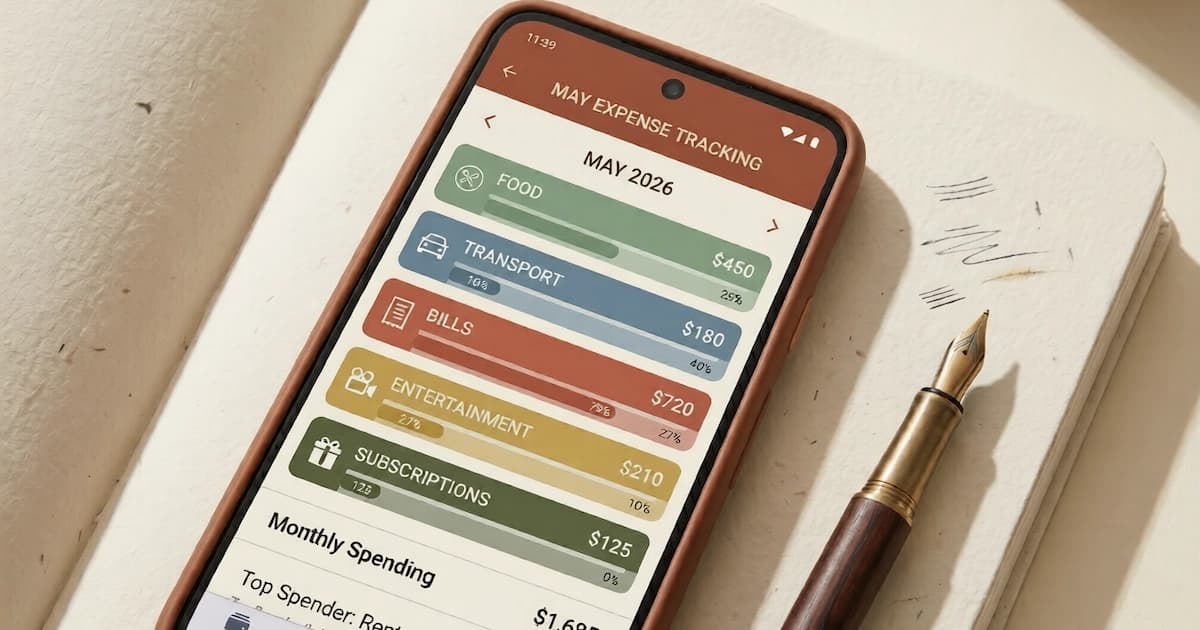
For getting the transactions in at all, the four practical methods and the trade-off between them are covered in how to track spending. If you would rather an app did the logging, our expense tracker app roundup compares what the Indian and US options actually capture.
What does an average Indian household actually spend?
If you want a national number to hold your own against, the Ministry of Statistics and Programme Implementation publishes one. The Household Consumption Expenditure Survey 2023-24, released on 27 December 2024 and covering August 2023 to July 2024, put average monthly per capita consumption expenditure at Rs 4,122 in rural India and Rs 6,996 in urban India. Counting the value of items households received free through social welfare programmes, those figures become Rs 4,247 and Rs 7,078.
Two things about that number are usually left out when it gets quoted:
- It is per person, not per household, so a family of four is not being compared to Rs 6,996.
- Non-food spending was the larger share in both, at about 53% rural and 60% urban. The intuition that most of an Indian household budget is food has not been true for some time.
The example figures already filled into the template are illustrative for an urban family of four and are not survey figures. They are there so nothing looks broken on the first open.
What this template deliberately does not do
It does not connect to your bank, and it never asks for a login, because a spreadsheet has no business holding banking credentials. You export your own statement and paste it in.
It gives no tax advice. Some rows in an Indian household's spending do matter at filing time, and which ones and how is a question for a chartered accountant rather than a spreadsheet.
It does no currency conversion. It is rupee-formatted by default and switches to any other currency through Format Cells, but it will not convert an amount for you.
And it has been built and checked in Excel and opens in Google Sheets, but it has not been tested in LibreOffice Calc, so nothing is claimed about how it renders there.
Frequently asked questions
What is an expense sheet? An expense sheet is a record of money that has already been spent, kept one row per transaction, usually with the date, what it was for, a category and the amount. It looks backwards at what actually happened. That is a different job from a budget, which looks forward and assigns money to categories before it is spent. The two work together: the budget sets the number and the expense sheet tells you whether you stayed inside it. A useful expense sheet answers three questions without any manual arithmetic, which are where the money went by category, how much of it repeats every month, and how much of it was optional.
Is this an expense report for claiming money back from work? No, and the distinction matters because most templates published under the name "expense sheet template" are the other thing. An employee expense report is a claim document: it carries the employee name, the manager, a business purpose for every line, receipt attachments and an approval signature, and its purpose is to get reimbursed. This is a personal and household spending log, so it has none of that. If you need a reimbursement claim form, your employer almost certainly has a required format and a template downloaded from the internet will not be accepted in its place.
Why does my category total show zero when the spending is right there? Because SUMIF matches text exactly. To a spreadsheet, "Groceries", "groceries" and "Groceries " with a trailing space are three separate categories, so a total that looks for one of them will not find the other two and returns zero without showing any error. This is the single most common reason a hand-built expense sheet stops being true. The fix is to stop typing category names and pick them from a dropdown instead, which is how every category, payment method and person works in this template. One more trap worth knowing: Microsoft documents that SUMIF returns incorrect results when matching text longer than 255 characters, so a long note should never be used as a criteria field.
Will this Excel file work in Google Sheets? Yes. Google documents that Microsoft Office files can be opened and edited directly in Sheets, with changes saved back to the original file. The only situations Google names where it tells you to stay in Excel are a dataset larger than 20 million cells, use of the Hyperion add-on, and rare chart types such as 3D pyramid or pie-of-pie charts. A personal expense sheet built on SUMIF, dropdowns and conditional formatting sits far inside all three, so nothing in this template runs into them. It has not been tested in LibreOffice Calc, so nothing is claimed about how it renders there.
How do I change the rupee symbol to dollars? Select the Amount column on the Expenses sheet and the money columns on the Summary sheet, press Ctrl+1, choose Currency and pick the symbol you want. Nothing else has to change, because no formula in the workbook contains a currency symbol and the column heading is simply "Amount". The same method works for any currency Excel offers. This was a deliberate design choice: templates that hard-code a currency into headings and formulas are the ones that are painful to convert.
How is an expense sheet different from a budget template? A budget template is a plan and an expense sheet is a record. The budget assigns an amount to each category before the month starts, so its central number is what you intend to spend. The expense sheet logs each transaction after it happens, so its central number is what you actually spent. Most people need both, and they meet in a single comparison of budgeted against actual, which is what the Summary sheet in this template does. If the planning side is what you are missing, our monthly budget template covers the categories and the amounts to assign.
Sources
- Microsoft, Manage your household budget in Excel (the fixed, variable and discretionary split) support.microsoft.com
- Microsoft, Using structured references with Excel tables ("The names in structured references adjust whenever you add or remove data from the table") support.microsoft.com
- Microsoft, SUMIF function (exact-match behaviour, and the 255-character limit on criteria strings) support.microsoft.com
- Microsoft, SUMIFS function ("the sum_range argument is the first argument in SUMIFS", and up to 127 range/criteria pairs) support.microsoft.com
- Microsoft, Create a drop-down list (a list sourced from a table updates the dropdowns built on it) support.microsoft.com
- Google, Work with Microsoft Office files (Office files edit directly in Sheets; the three stated exceptions) support.google.com
- Ministry of Statistics and Programme Implementation, Household Consumption Expenditure Survey 2023-24, press note dated 27 December 2024 (MPCE of Rs 4,122 rural and Rs 6,996 urban, Rs 4,247 and Rs 7,078 with imputation, non-food shares of 53% and 60%, survey period August 2023 to July 2024) mospi.gov.in



You might also like

A simple monthly budget template: which categories to include, what to assign each one, and a worked example to copy into a sheet or a notebook.
9 min read

How to track spending: the four methods compared, using your UPI or bank statement as a free ledger, how to categorize, and a full worked week of tracking.
14 min read
Build a budget in Google Sheets step by step: the exact columns, the SUM and SUMIF formulas, conditional formatting, and a free template to copy, in ₹ or $.
21 min read